
100% in the browser
No installs, no Docker, no Python env to break. Open a tab and start working.
Visual robot design and physics simulation
Visual robot-model editor and physics simulator that runs entirely in the browser.
No install · Local-first by default · Optional cloud sync
Why Critter Engine
No installs, no Docker, no Python env to break. Open a tab and start working.
Use the editor without an account and keep projects in browser storage or local .critter files. Sign in when you want cloud save, autosave history, or share links.
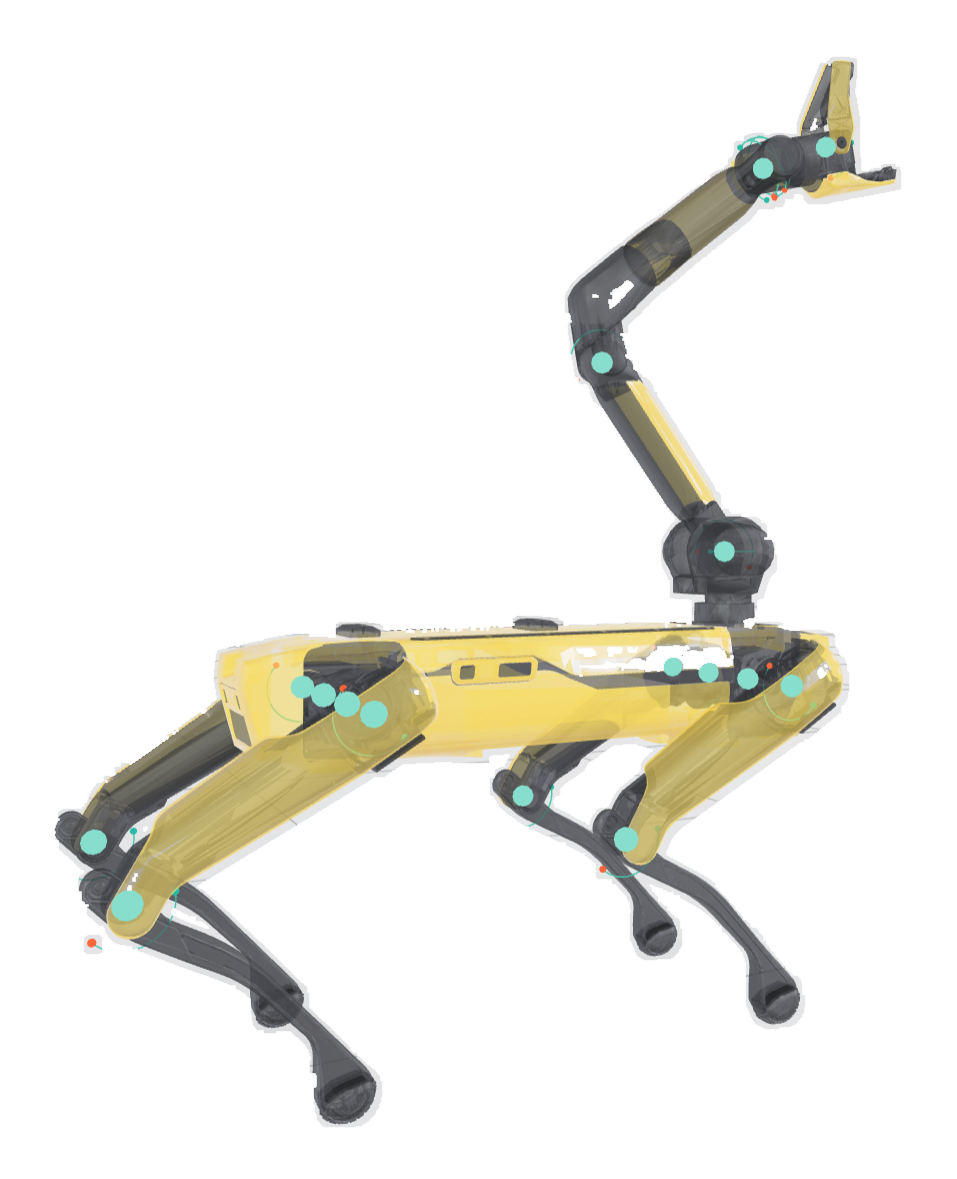
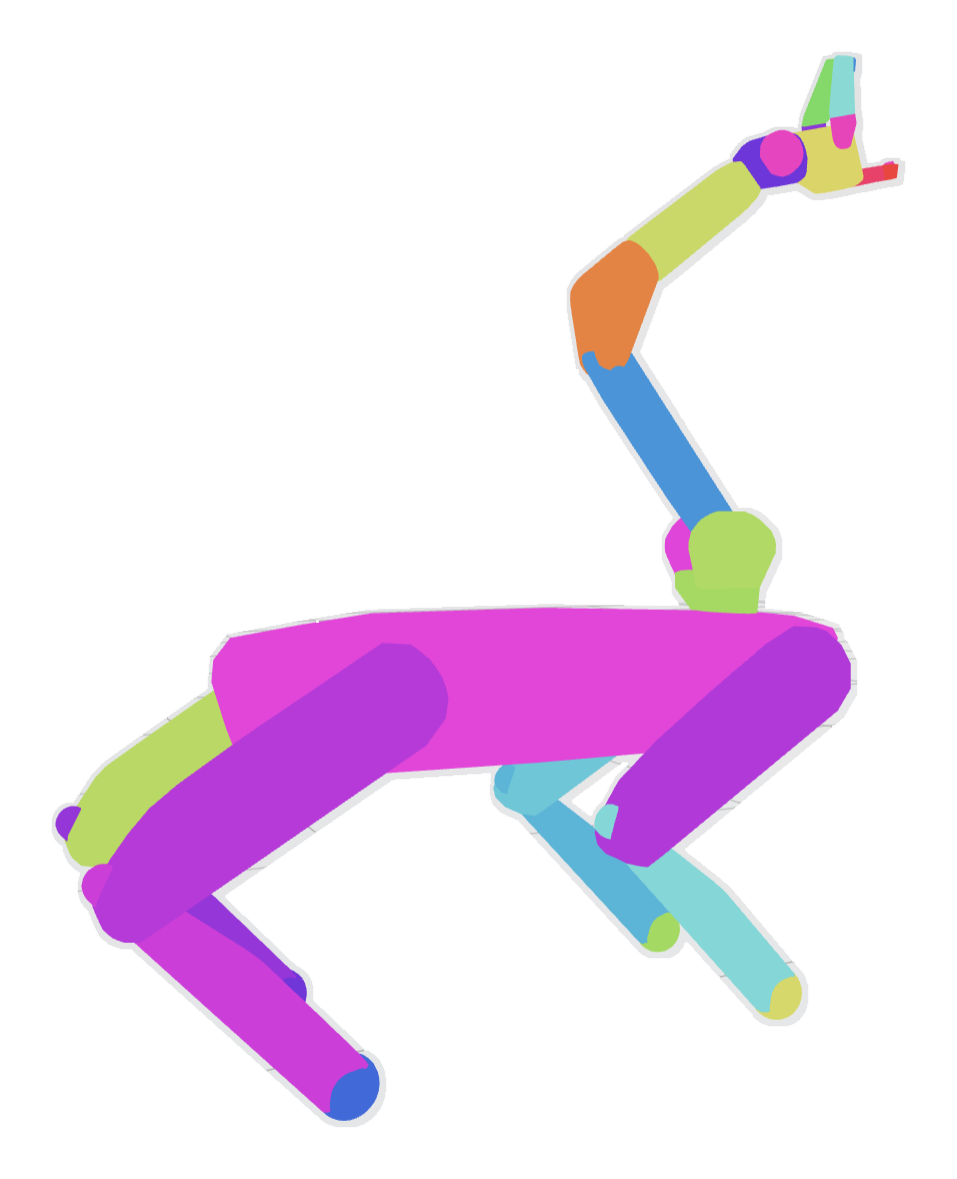
Stop hunting through text files for one wrong number. Quickly visualize bodies, joints, sites, collisions, tendons, and inertias, and edit them on the spot.
Who Critter Engine is for
From a first robot model to ongoing research and engineering work, Critter Engine gives people a visual place to understand and improve the physics.
Give students and researchers a consistent visual environment for understanding, testing, and sharing robot models.
ExploreInspect physical models, catch problems earlier, and iterate while keeping standard files available to downstream tools.
Start in the browser without an installation or account. Build locally, learn visually, and export when you are ready.
Physics foundation
Critter Engine runs MuJoCo physics directly in the browser and works with MJCF/XML plus many URDF and Xacro projects. You do not need to be a MuJoCo expert to start building, inspecting, and testing robot models visually.
Run MuJoCo directly in your browser as you build, inspect, and test the model.
Bring in MJCF/XML models with meshes, or import many URDF/Xacro robot packages with referenced meshes and config files. Critter expands supported Xacro patterns in the browser and flags missing dependencies.
Export clean MJCF/XML compatible with current MuJoCo 3.x runtimes.
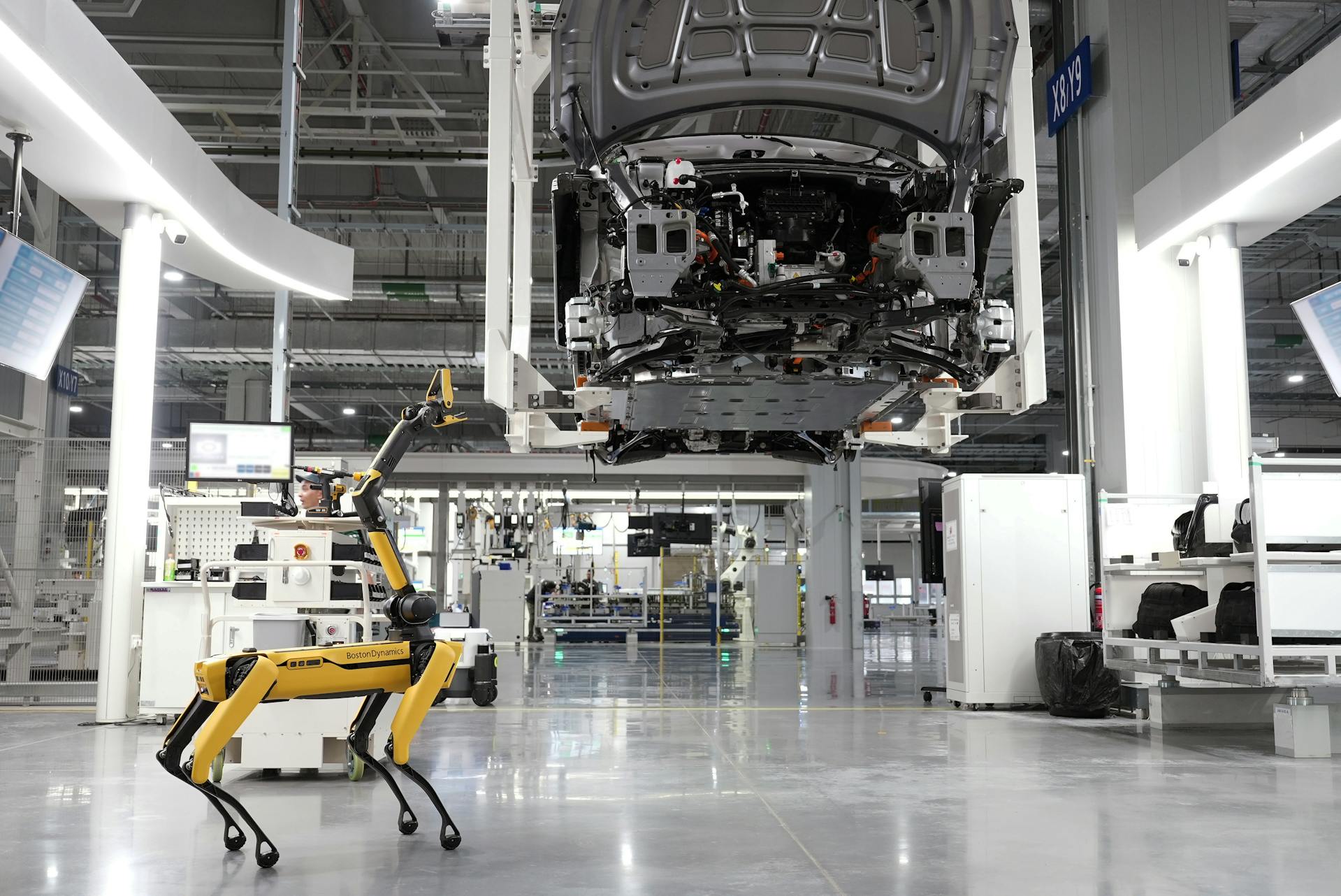
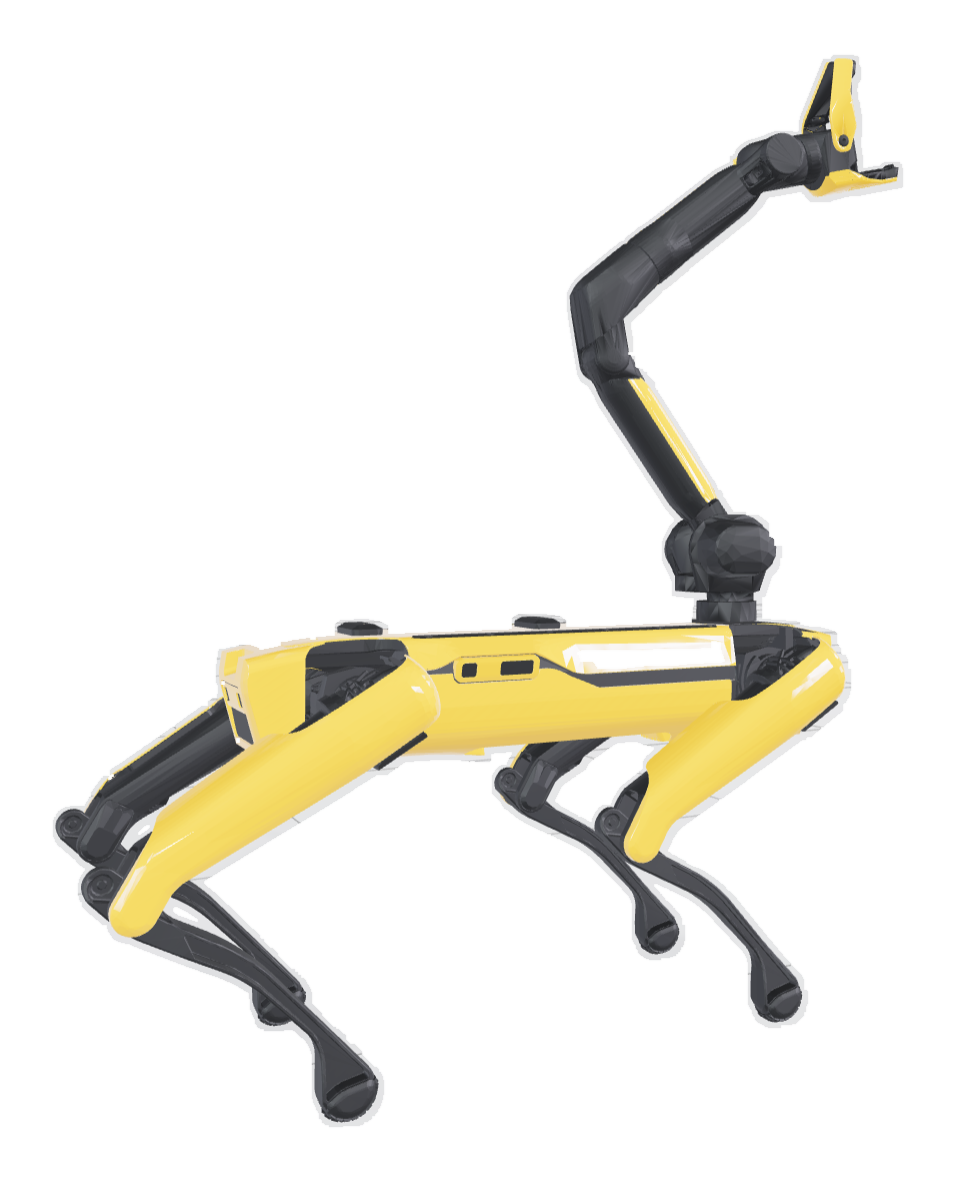
Franka Panda and FR3, UR5e and UR10e, KUKA iiwa, Boston Dynamics Spot, Unitree Go2/G1/H1, Agility Cassie, Agilex Piper, and more, plus grippers and hands.
Add or edit common MuJoCo sensors for sites, joints, actuators, tendons, subtrees, and clocks, then inspect live sensordata and export recordings as JSON or CSV.
What you can do with Critter Engine
Toggle overlays for collisions, sites, joint axes, tendons, and inertias. Click to inspect and edit.
Drag in robots, grippers, props, and terrain, or build from scratch. Visually tune every part of a robot's physics model.
Move any joint with a live slider. Watch the actuators respond in real time, with or without physics running.
Mount a virtual camera on any body, preview the live feed, snapshot stills, and record video clips of the simulation.
Press play and watch the constraints do their job. Press stop and your scene returns to exactly where it started.
Save locally as a portable .critter project, or sign in to save cloud versions, restore autosaves, and create read-only or editable share links.
Plans
Individual
For students, researchers, engineers, and independent builders working on their own projects.
Team
For labs, courses, project teams, and companies that need the work to belong to the group.
FAQ
By default, projects and uploaded assets stay in your browser storage and in files you download, such as .critter project archives. If you sign in and use cloud save, Critter stores project versions and referenced assets in Critter cloud so you can reopen or share them. Cloud storage is optional, and local export still works without an account.
No for local editing, importing, simulation, and exporting. Yes for cloud projects, cloud autosave history, and share links.
The latest two versions of Chrome, Edge, Firefox, and Safari.
Yes. Import MJCF/XML with meshes, plus many URDF and Xacro robot projects. URDF/Xacro support is compatibility-focused, so ROS/Gazebo-specific simulator metadata may be reported and skipped.
Not yet. Today it's focused on design and simulation. Training is on the roadmap.
No. You can start with a preset robot, inspect how it is built, move its joints, and run the physics without prior robotics experience. Critter Engine makes the model structure visible as you learn. Deeper physics and robotics knowledge becomes useful as your projects get more advanced.
Critter Engine
No install · Local-first by default · Optional cloud sync